Built against clickjacking
The menu lives in an isolated frame and refuses to fill if a page hides or covers it. Browsers that can't tell get a confirmation step instead.
An inline menu under each field in your browser, AutoFill on iPhone and iPad, and the keyboard's suggestions on Android, for logins, one-time codes, cards and addresses.
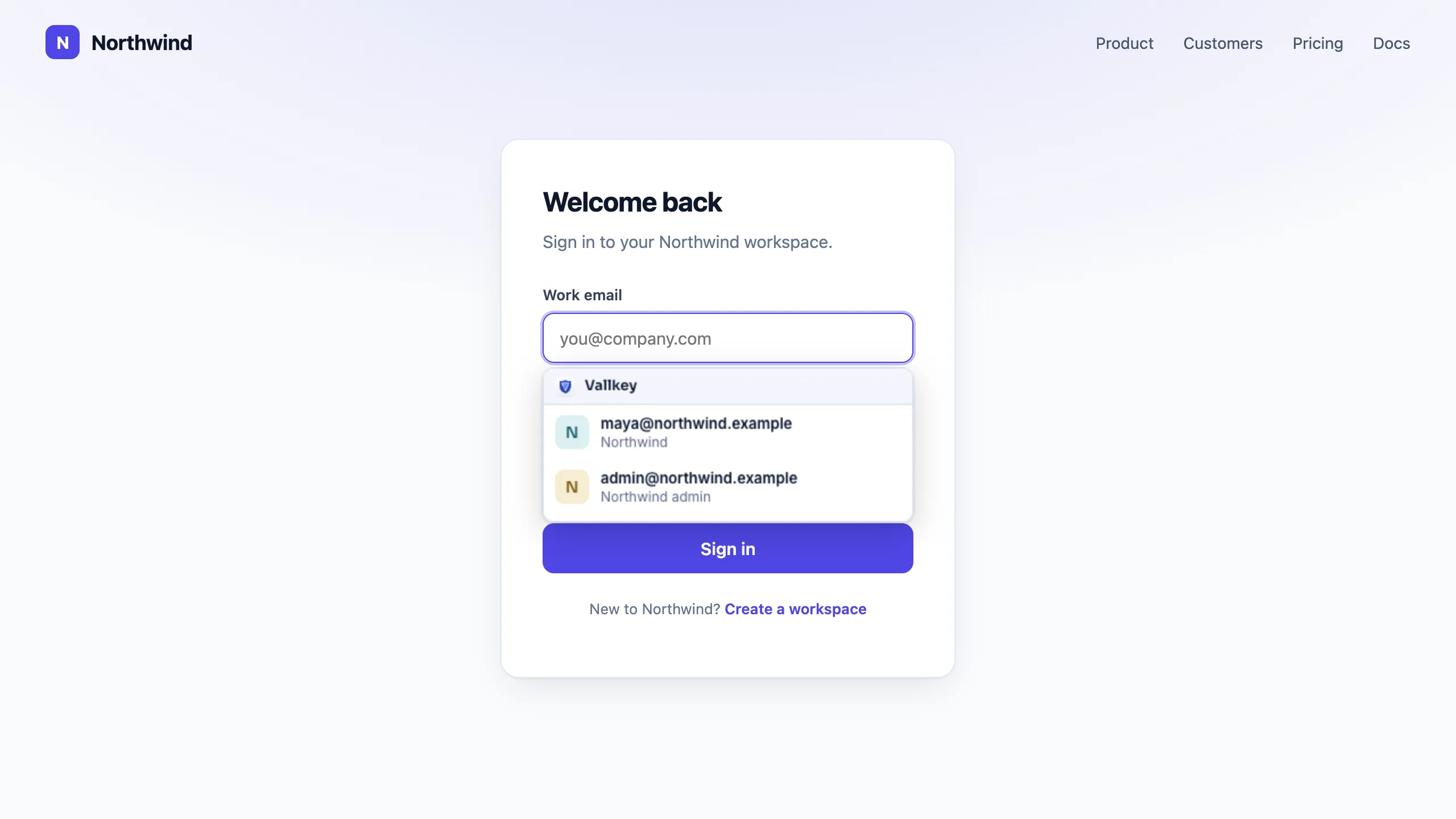
Vautir's menu shows the logins saved for this site, best match first.
It fills the username and password, and the one-time code when the site asks.
Ctrl+Shift+L fills at once when there's just one login for the site.
The menu lives in an isolated frame and refuses to fill if a page hides or covers it. Browsers that can't tell get a confirmation step instead.
Payment forms, even across a payment provider's frames, and address forms, but only on secure pages.
Saved websites match by domain, host or exact address, using the Public Suffix List so lookalike sites never match. The browser extension warns you on a site that only looks like one of yours.
Availability
Chrome, Edge and Firefox, and the browsers built on them: Brave, Opera, Vivaldi, Arc and Chromium run the Chrome extension, and LibreWolf, Waterfox, Floorp and Zen run the Firefox one. Safari runs the same extension, carried by the Mac, iPhone and iPad apps.
Free forever for unlimited passwords and devices. No card needed.