What's in it
Sign-ins, with whether your identity provider vouched for them. Members invited, joined, removed or taken away by your provider. Groups, vaults and who has them. Policies. Devices an admin let in. Plan changes.
Every organization has a log of what happened in it: sign-ins, invitations, groups, vaults, policies, and items opened or filled. Admins read it as plain sentences, and on Business it goes on to your own log system as it happens.
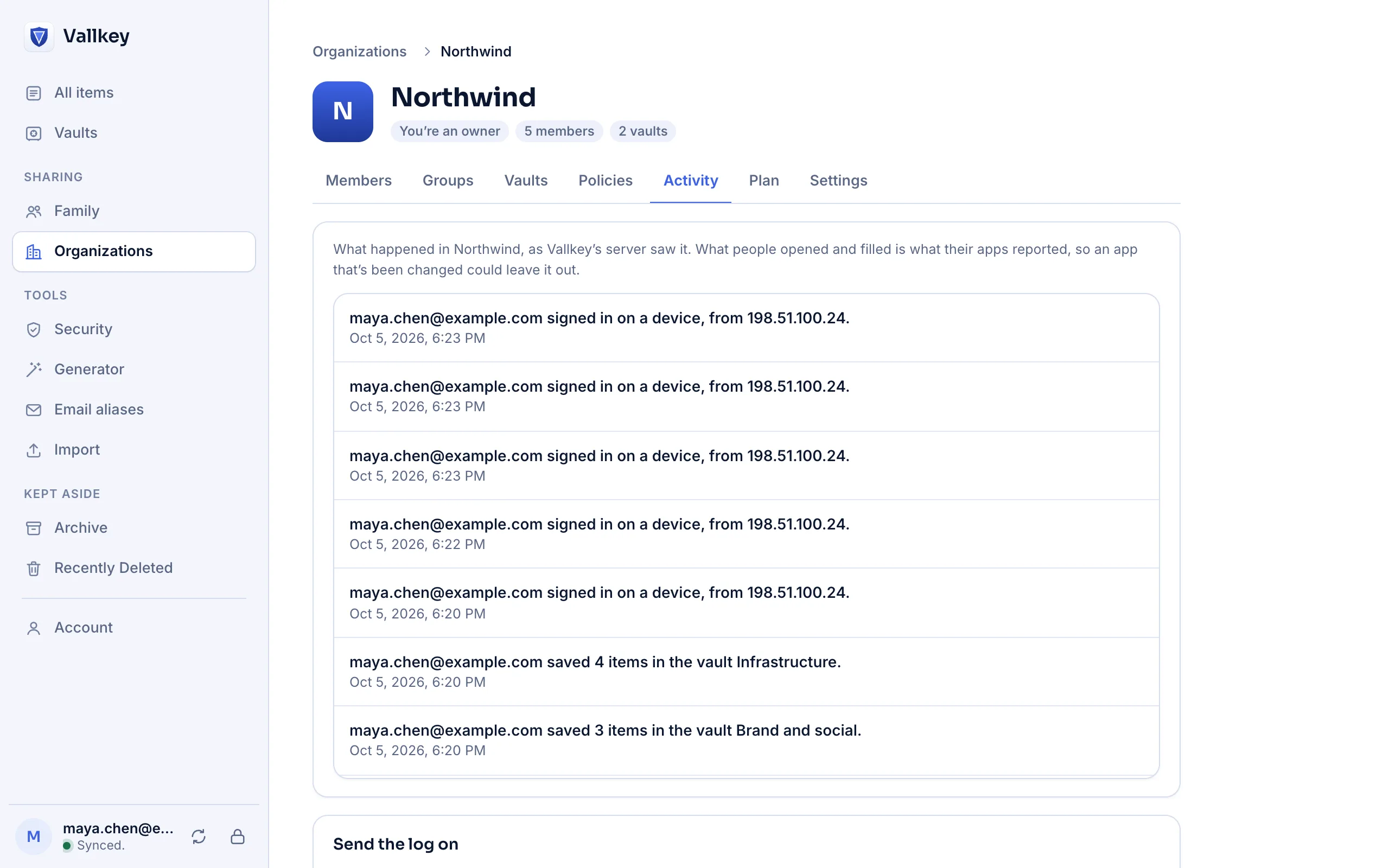
Activity lists the newest first, each event as a sentence, such as who invited whom as what. Owners and admins see it; members don't.
On Business, name one destination: a signed webhook, Splunk, Datadog, Microsoft Sentinel or an S3 bucket. Events follow in batches, oldest first.
Events are numbered without gaps. A batch that fails is sent again, so the far end can drop one it got twice and see that none is missing.
Sign-ins, with whether your identity provider vouched for them. Members invited, joined, removed or taken away by your provider. Groups, vaults and who has them. Policies. Devices an admin let in. Plan changes.
The server can't see a member open an item: it's already on their device. So the apps report opening an item and filling it, for an organization's vaults only, with their next sync.
The log names people by email address, and groups, vaults and items by ID, because their names are encrypted where the server can't read them. The console looks the names up on the admin's own device.
Webhooks carry an HMAC-SHA-256 signature over the time and the body. A destination that's down gets its events once it's back, and the console shows the last error.
The server writes the log, so a hostile server could leave events out, and a modified app could skip reporting an item it opened. It's a record for the organization, not part of what keeps vaults safe. It's kept as long as the organization is: a setting for how long comes later.
Availability
Reading the log in the console is part of Teams and Business. Sending it on to a log system takes Business.
No. Only organizations have logs. Nothing is reported for a person's own vaults, or for vaults shared between people.
One destination for each organization, for now.
Free forever for unlimited passwords and devices. No card needed.