The server can't add anyone
If the server could act on your provider's calls by itself, it could put anyone into your organization by claiming your provider said so. So every addition is signed by an admin's device, as an invitation by hand is.
Who's hired, who's left and which teams they're in already lives in your identity provider. SCIM lets it tell Vautir, so nobody keeps two lists, and someone who leaves is out at once.
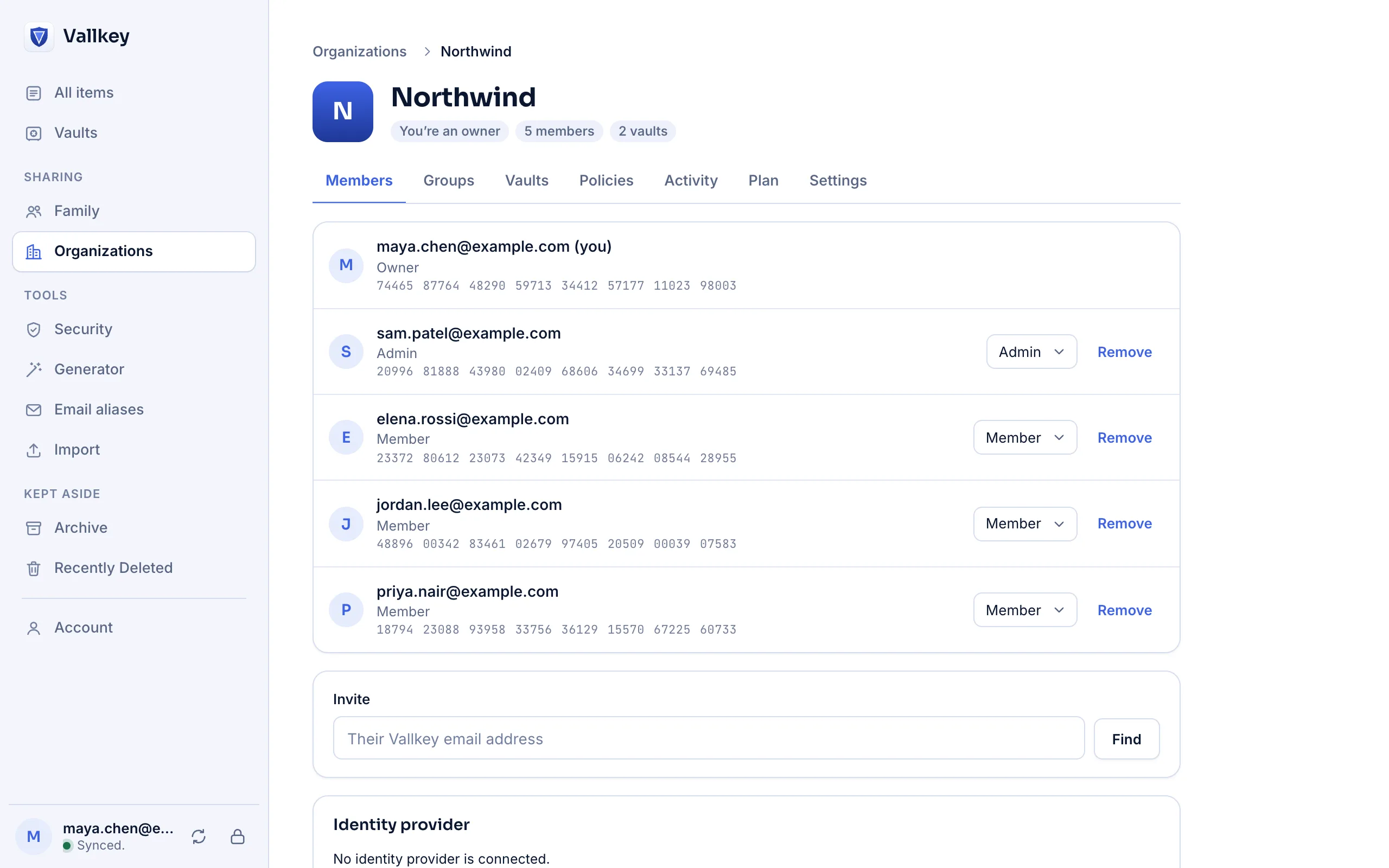
In the console, make a token. Give your provider the SCIM address and the token, which is shown once.
An admin's device looks each person up, checks their key against the key transparency log, and signs their invitation. Groups follow your provider's.
They stop receiving the organization's vaults at once, and their devices forget them. Each vault they had then gets a new key.
If the server could act on your provider's calls by itself, it could put anyone into your organization by claiming your provider said so. So every addition is signed by an admin's device, as an invitation by hand is.
Stopping what it sends is the one thing a server can always do, so it's the one thing it does unasked. That's what makes offboarding immediate.
Offboarding lists every item the person could open and which still hold what they saw, with the password fixer to change each, and a report to download.
Everyone it adds is a member, and it never takes an owner away. A mistake at your provider, or its token in the wrong hands, can't lock you out or make anyone an admin.
Each person's address and name, and each group's name as your provider sends it. Groups you make by hand in the console stay encrypted, with names only your admins read.
Someone added waits for an admin's device to sync: seconds when one is in use. People without a Vautir account yet aren't emailed, and the console lists who's waiting. Deactivating someone takes the organization's vaults, not their own account.
Availability
Business.
No. SCIM adds and removes; single sign-on signs people in. Together, deactivating someone takes their vaults away at once and keeps them from signing in again.
They stay. Your provider speaks only for the people it assigned and the groups it made.
Free forever for unlimited passwords and devices. No card needed.