What it stops
Someone who has a member's master password and Secret Key, but not their company sign-in, gets no session, and so none of the organization's vaults, even encrypted.
Your identity provider says who someone is, and nothing more. It never holds a key, and neither do we. So your sign-in rules apply to Vautir: your second factors, your device checks, and the switch that turns a person off.
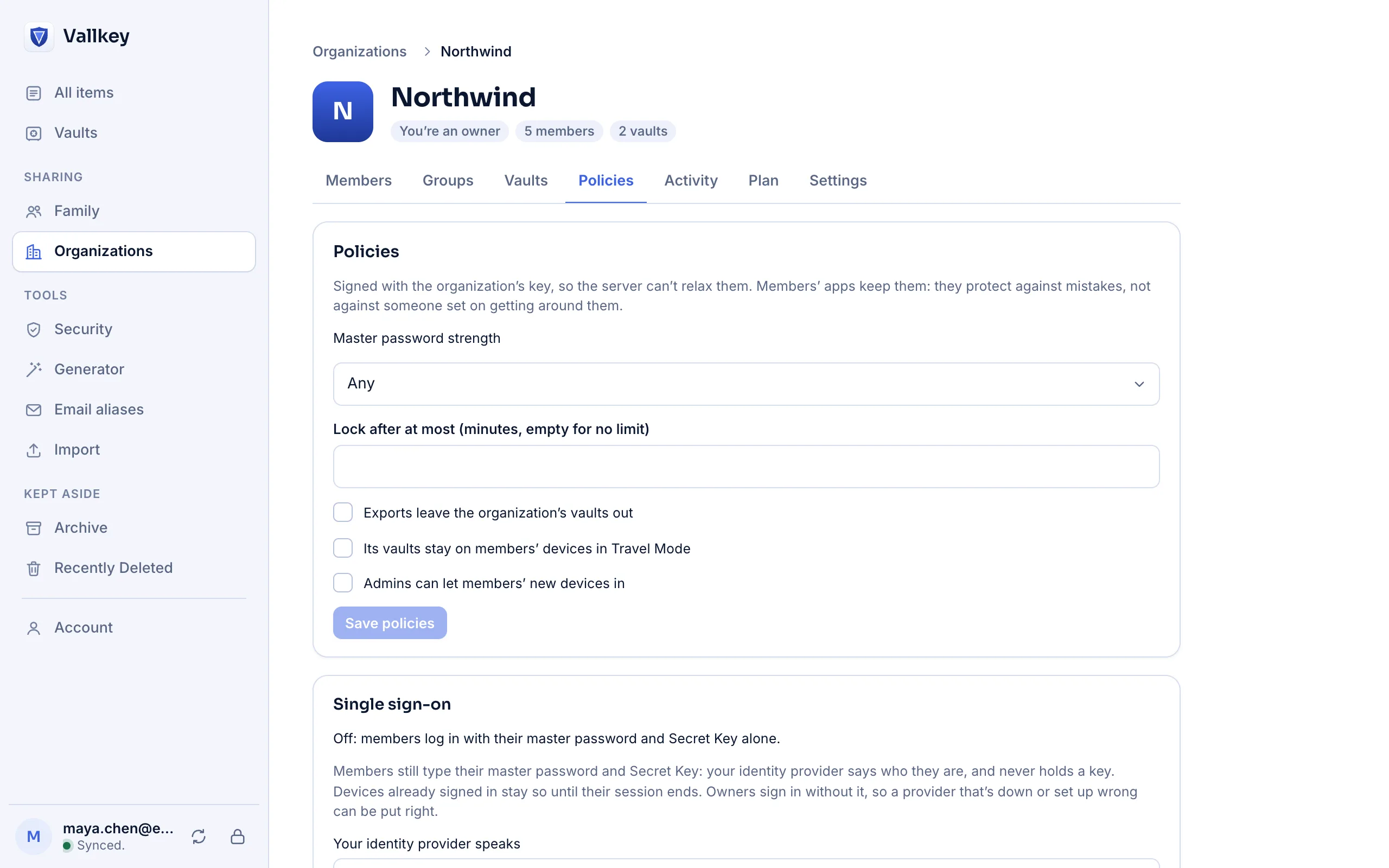
In the console, give the provider's issuer and client details for OpenID Connect, or its sign-on address and signing certificate for SAML 2.0. An address with no provider behind it turns nothing on.
On a new device they enter their master password and Secret Key as always. The app then opens your provider's sign-in page, and shows a six-digit code.
After signing in, a page asks whether to allow this login, showing the same six digits. Only then does the device get in.
Someone who has a member's master password and Secret Key, but not their company sign-in, gets no session, and so none of the organization's vaults, even encrypted.
Deactivate them at your provider, and they get no new session. With SCIM, they lose the organization's vaults at once as well.
The sign-in happens in a browser and the login on a device, and only the person ties them together. The matching digits stop someone who started a login from getting a signed-in member to finish it for them.
A company can run a key connector on its own servers, which keeps a key for each member in place of a master password, and hands it over only to someone your provider vouches for. It alone opens nothing.
Owners sign in without it, so a provider that's down or set up wrong never locks a company out of its own organization.
Devices already signed in stay so until their session ends. It's one provider for each organization, with no single logout. And the check is the server's: a hostile server could skip it, and still couldn't read a vault.
Availability
No. It's part of both Teams and Business.
Yes, unless the company runs a key connector. Single sign-on is a check on top of the login, not a replacement for it.
A device that's still logged in can let a new one in. If the organization allows it, an admin can let a member's new device in, after the member reads out the code it shows.
Free forever for unlimited passwords and devices. No card needed.